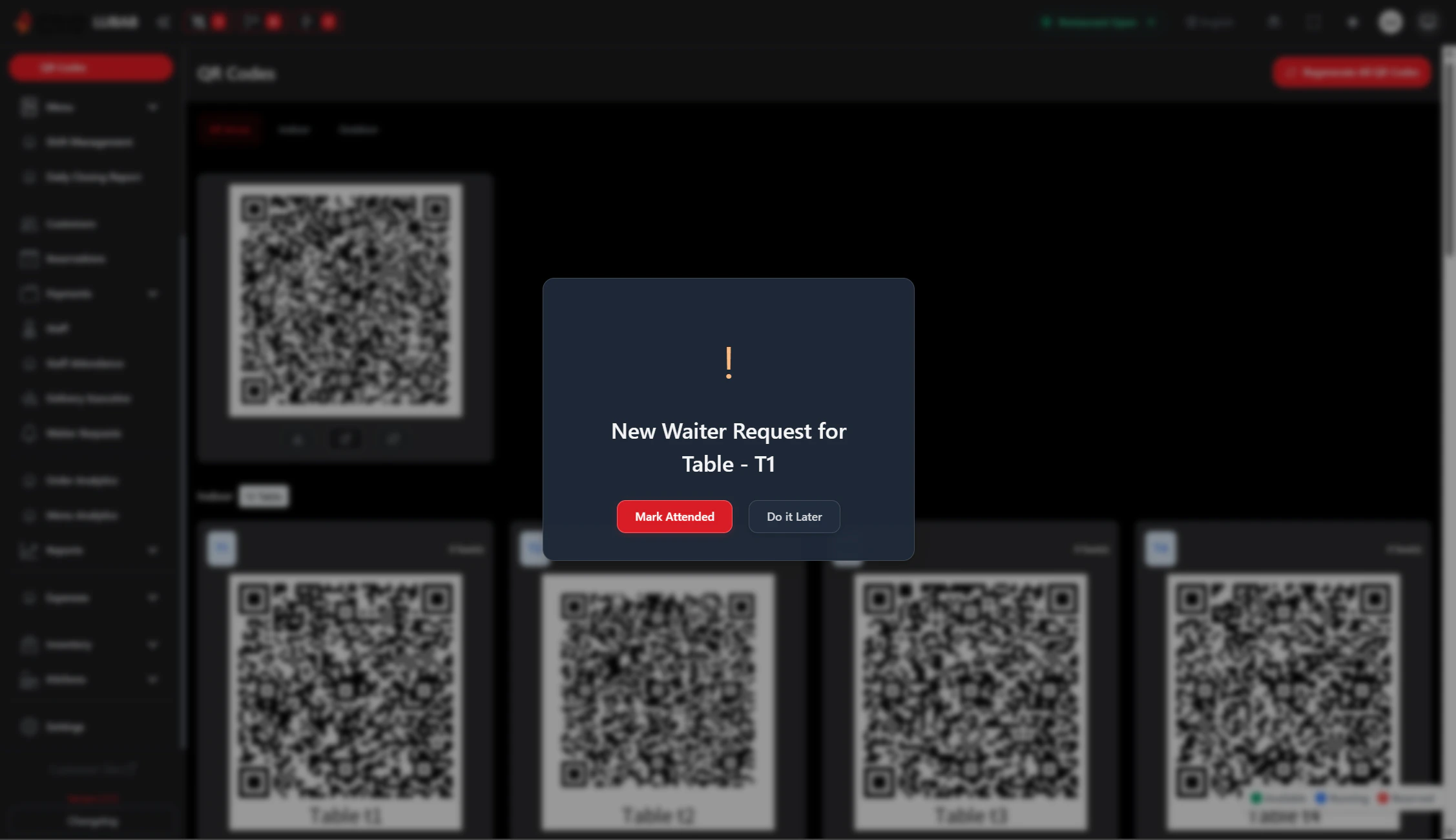
Waiter Requests are calls from customers at tables who need assistance (e.g., bill, refill, questions). Staff can view and respond to these requests from the Waiter Requests page.

Overview

  • View active waiter requests by table
  • See what each table needs (e.g., bill, water, help)
  • Mark requests as completed
  • Go to the POS for that table to take action

Prerequisites

  • The Waiter Request module must be enabled.
  • Customers request a waiter from the customer site or a table device.
  • You need permission to manage Waiter Requests.

Step-by-Step Actions

1. Open Waiter Requests

Waiter requests
  1. Click Waiter Requests in the left sidebar.
  2. The Waiter Requests page opens.
  3. You see a list or grid of tables with pending requests.

2. View request details

  1. Each request shows:
    • Table number or name
    • Type of request (e.g., Bill, Water, Assistance)
    • Time of request
  2. Click a request to see more details if needed.

3. Respond to a request

Waiter request create and respond
  1. Go to the table and help the customer.
  2. When done, find the request on the Waiter Requests page.
  3. Click Complete or Mark as done.
  4. The request is removed from the active list.

4. Go to POS for that table

  1. If you need to open the order for that table (e.g., to print the bill):
    • Click Open POS or View order (or similar) on the request.
  2. You are taken to POS with that table’s order.
  3. Complete the needed action (e.g., print bill, add payment).

5. Filter by area or table

  1. If filters are available, select an area or table.
  2. The list shows only requests for that selection.

Common Mistakes and How to Avoid Them

MistakeHow to avoid
Ignoring requestsCheck Waiter Requests regularly during service.
Forgetting to mark doneMark requests as completed so the list stays accurate.
Wrong tableConfirm the table number before going.

End Result

  • Staff can see and respond to customer requests.
  • Requests are marked completed when done.
  • Service is faster and customers get help when they need it.