Overview
- Modifier Groups: Create groups like “Size”, “Extras”, “Toppings”
- Item Modifiers: Add the actual options (e.g., “Large”, “Extra cheese”) with optional extra prices
- Assign modifier groups to menu items so they appear when ordering
Prerequisites
- You need permission to manage Menu Items.
- It helps to know which items need modifiers (e.g., pizzas with sizes, drinks with sizes).
Step-by-Step Actions
Part A: Modifier Groups
1. Open Modifier Groups

- In the left sidebar, click Menu to expand it.
- Click Modifier Groups.
- The Modifier Groups page opens.
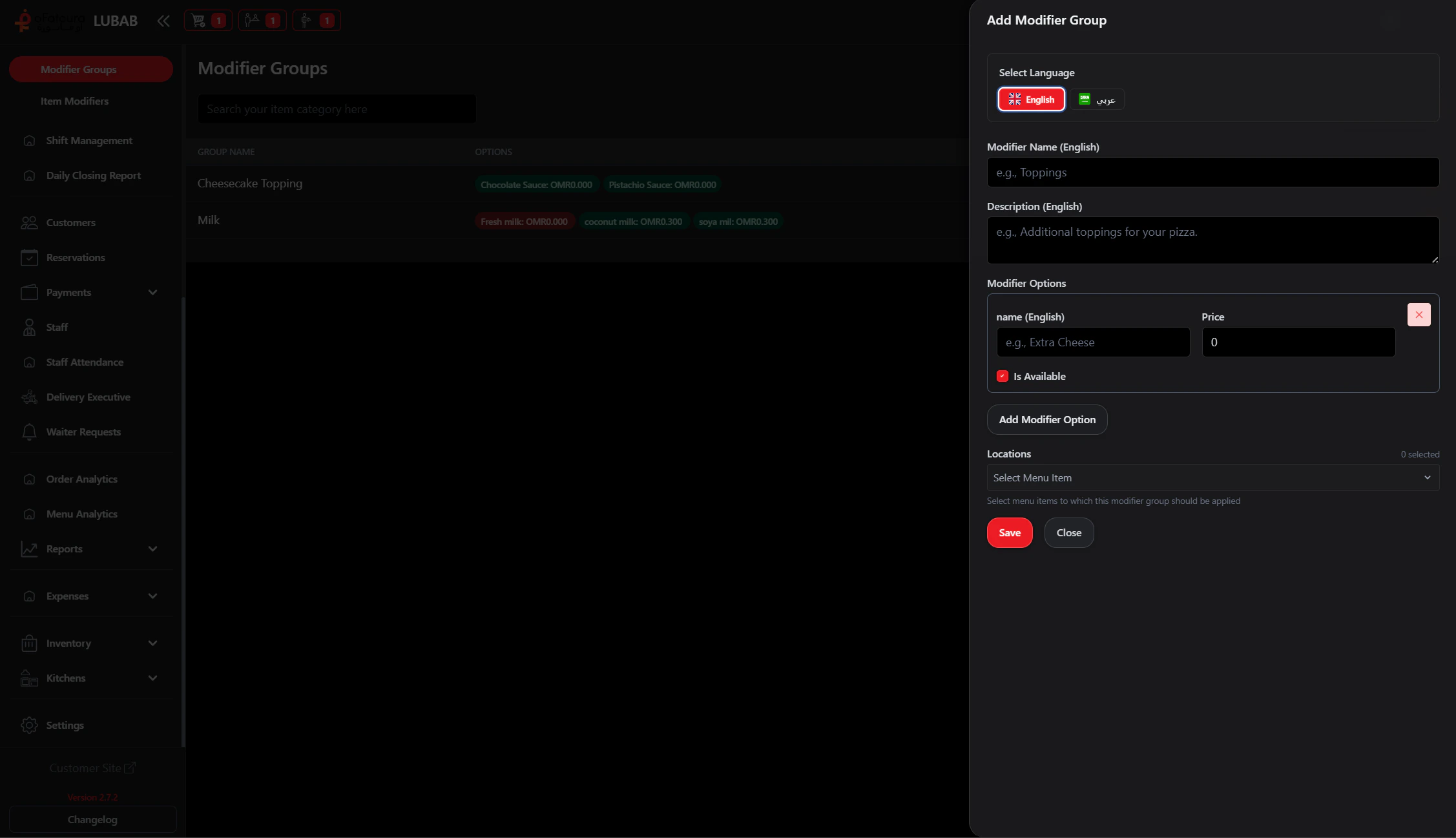
2. Create a modifier group
- Click Add or Create.
- Enter the group name (e.g., “Size”, “Toppings”, “Extras”).
- If asked, set:
- Minimum selection (e.g., must pick 1 size)
- Maximum selection (e.g., up to 3 toppings)
- Click Save or Create.
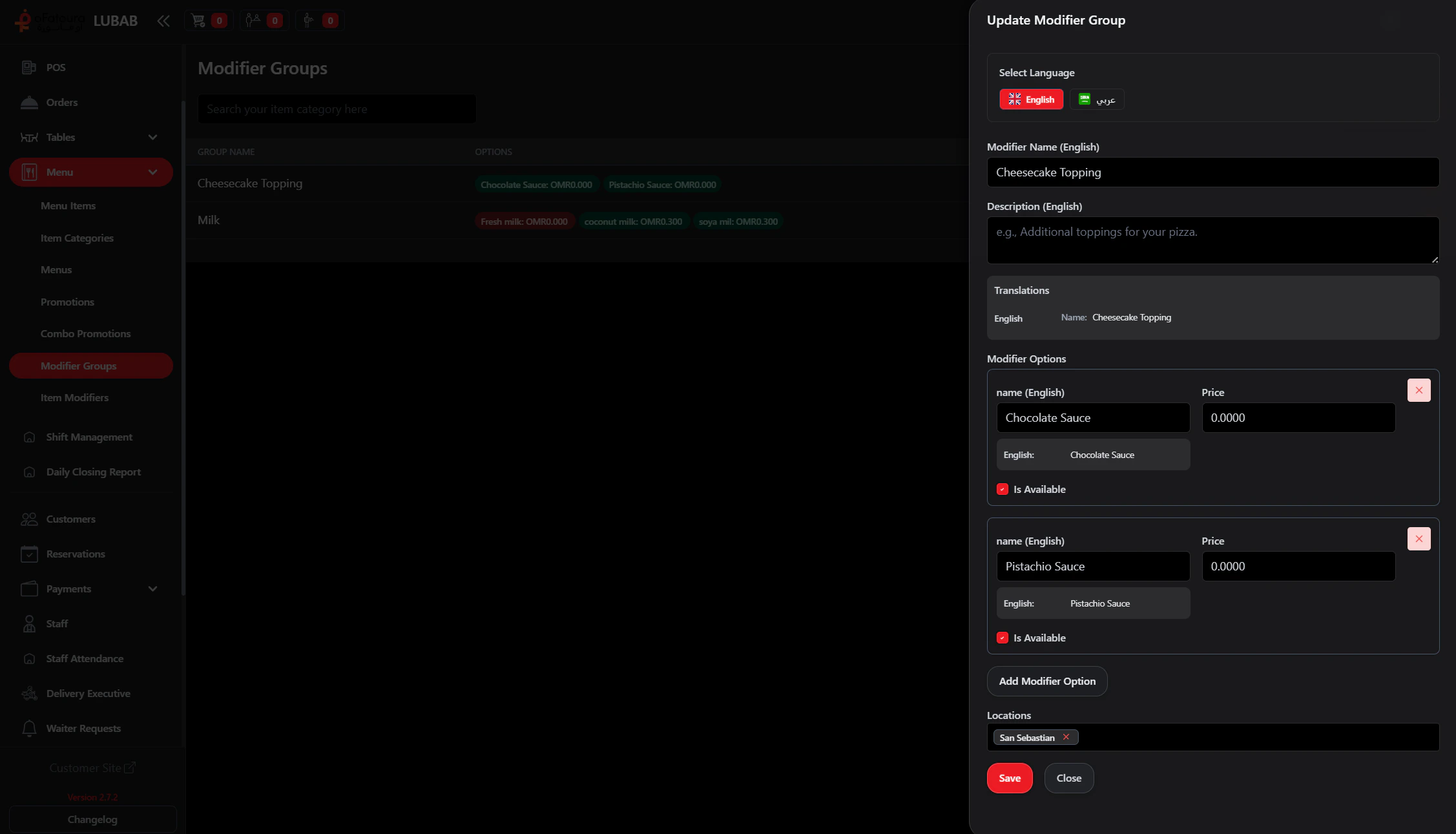
3. Add item modifiers to the group
- Edit the modifier group.
- In the Modifiers or Options section, add each option:
- Name (e.g., “Small”, “Medium”, “Large”)
- Extra price (0 if no extra charge)
- Save.
Part B: Item Modifiers
1. Open Item Modifiers
- In the left sidebar, click Menu to expand it.
- Click Item Modifiers.
- The Item Modifiers page opens.
2. Create an item modifier

- Click Add or Create.
- Enter the modifier name (e.g., “Extra cheese”, “No onions”).
- Enter an extra price if it costs more (or 0 if free).
- Select which Modifier Group it belongs to.
- Set Available if you want it visible.
- Click Save or Create.
Part C: Assign to Menu Items
1. Link modifier groups to menu items
- Go to Menu Items.
- Edit the item that needs modifiers (e.g., a pizza).
- In the Modifier Groups section, select the groups (e.g., Size, Toppings).
- Save the item.
Common Mistakes and How to Avoid Them
| Mistake | How to avoid |
|---|---|
| Modifiers not showing | Assign the modifier group to the menu item. |
| Wrong extra price | Check that optional prices are correct (0 for free options). |
| Too many options | Keep groups simple; avoid very long lists. |
End Result
- You have modifier groups (e.g., Size, Toppings).
- Each group has item modifiers with correct names and prices.
- Menu items are linked to the right modifier groups.
- When customers order, they can choose size, toppings, and other options.