

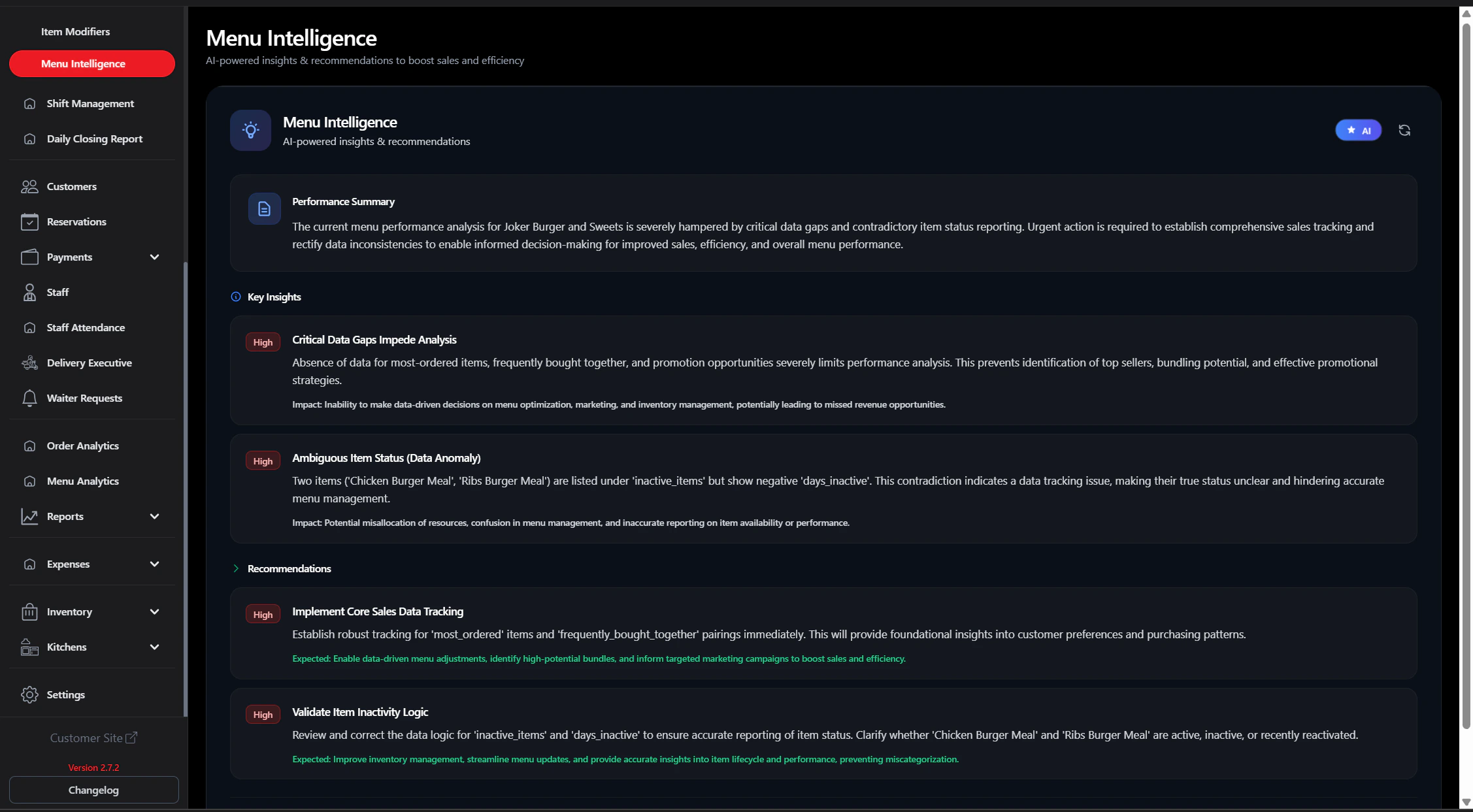
Menu Intelligence provides AI-generated summaries, insights, and recommendations based on your recent menu and order data.Documentation Index
Fetch the complete documentation index at: https://docs.ofatoura.com/llms.txt
Use this file to discover all available pages before exploring further.
What You Get
- Performance Summary: Quick snapshot of current menu performance.
- Priority Insights: High/medium/low-priority findings.
- Recommendations: Suggested actions to improve outcomes.
- Refresh: Regenerate insights with the latest data.
Using the Dashboard
Access Intelligence
- Go to Menu > Menu Intelligence.
- The page loads AI insights from available data.
Availability: This page appears only when the Ofatoura Intelligence module is enabled and Menu Intelligence is turned on in settings.
Promotions
Run offers based on AI recommendations
Sales Report
Validate impact with detailed sales data